AI that drives the editor
The agent operates the same canvas you do — creating text, shapes, gradients and frames through the editor API instead of rendering a flat bitmap.
Open source · MIT · Free forever
Describe your app, drop in a handful of raw captures, and get a complete store-ready set. The AI works inside a real editor instead of an image renderer, so every headline, gradient, shape and device frame stays a live layer you can restyle, move or replace.
No account. No credit card. Runs entirely in your browser.
Examples
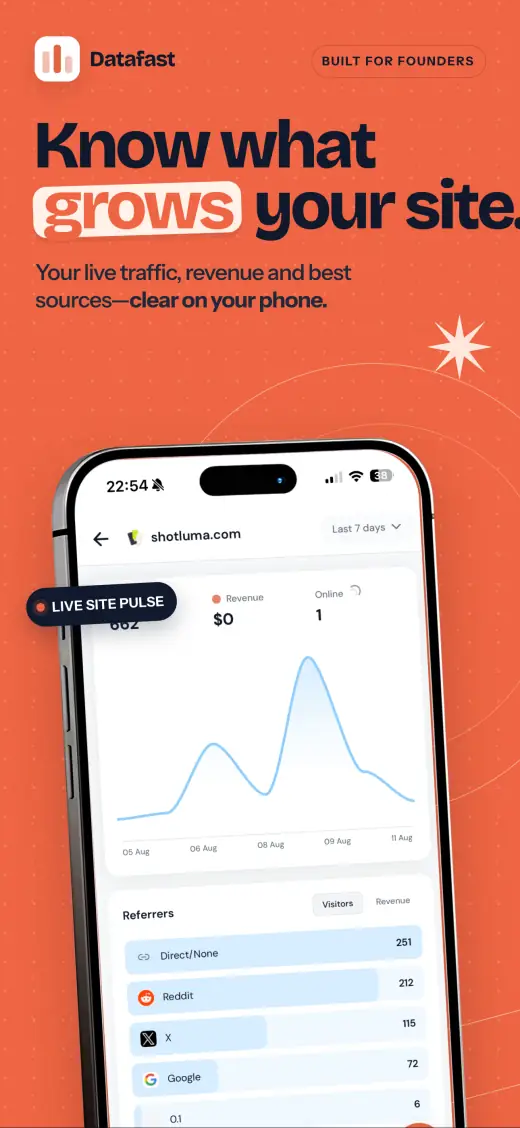
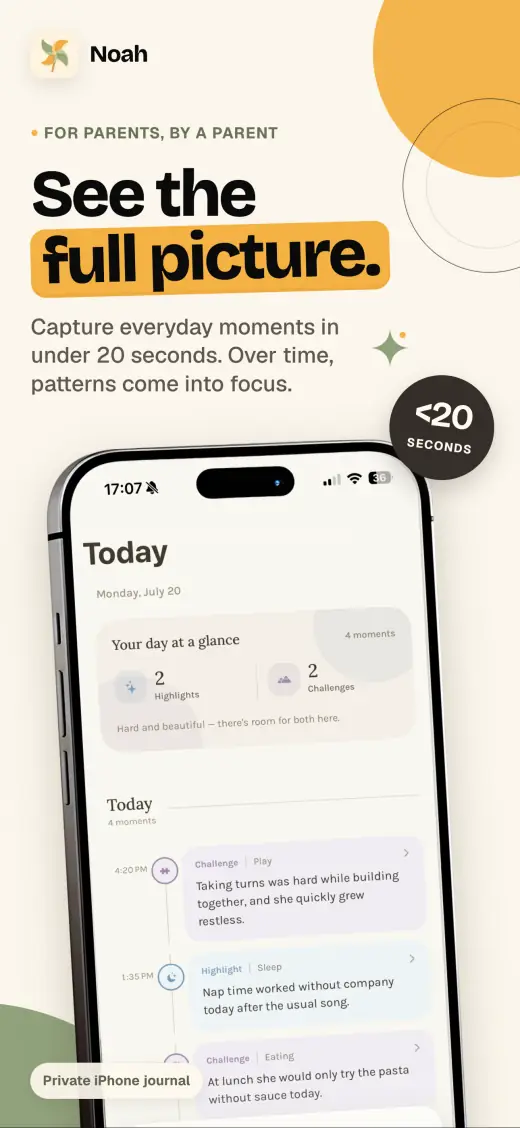
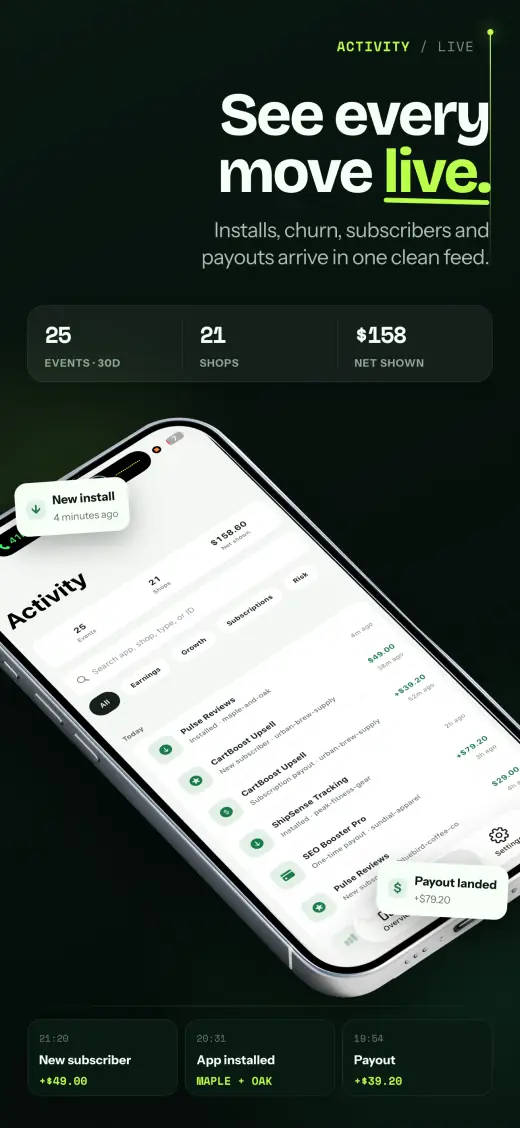
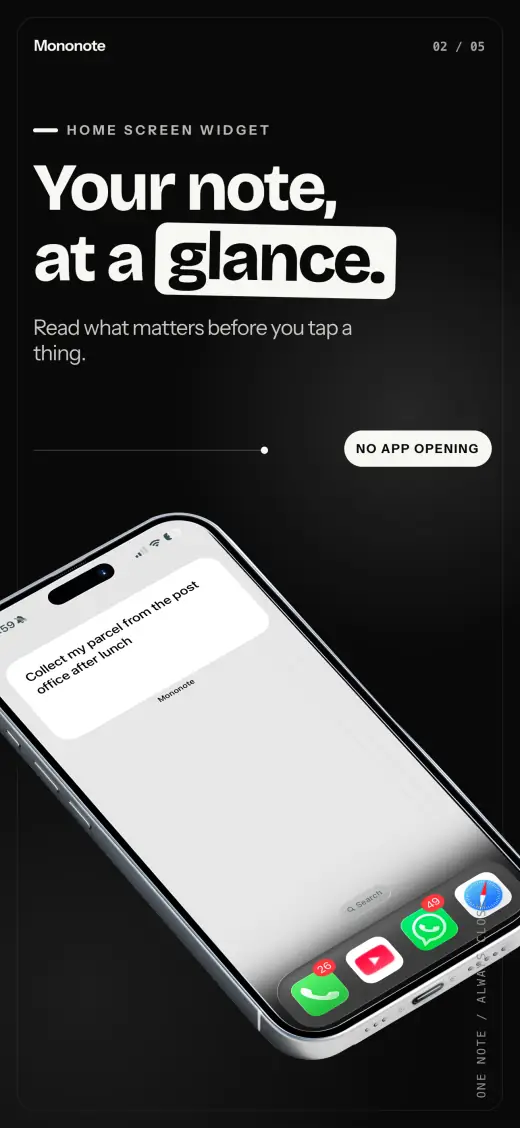
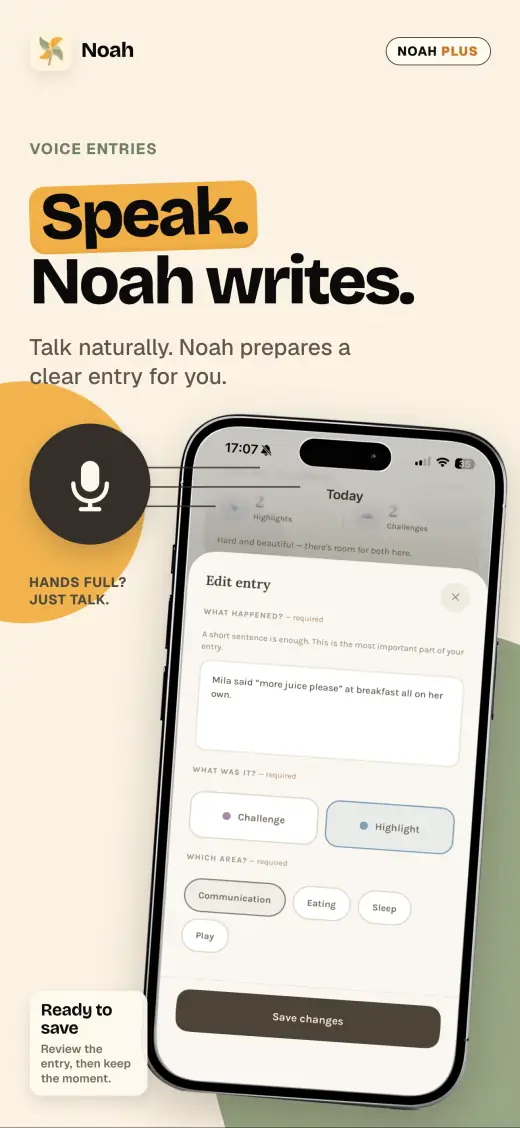
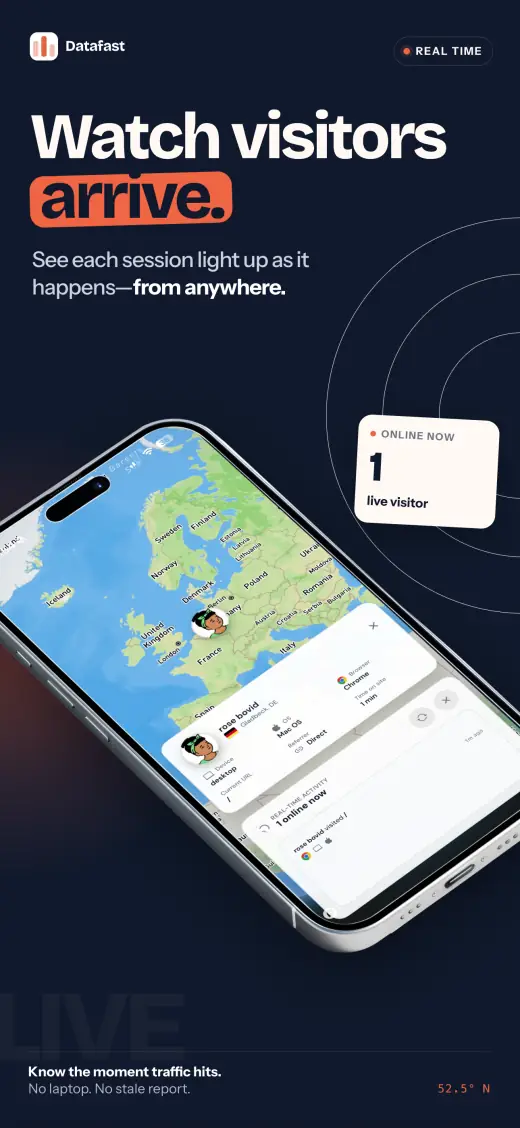
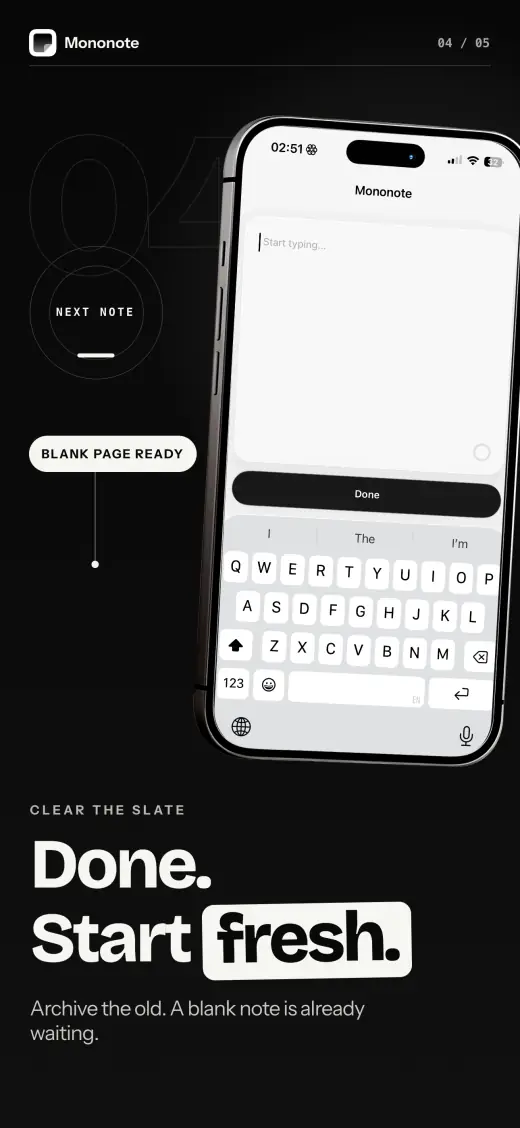
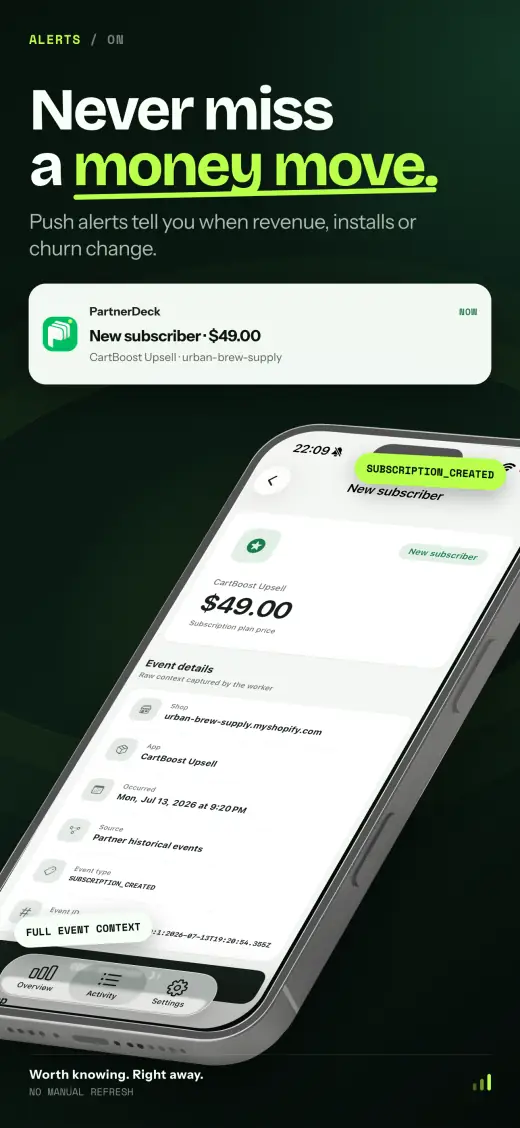
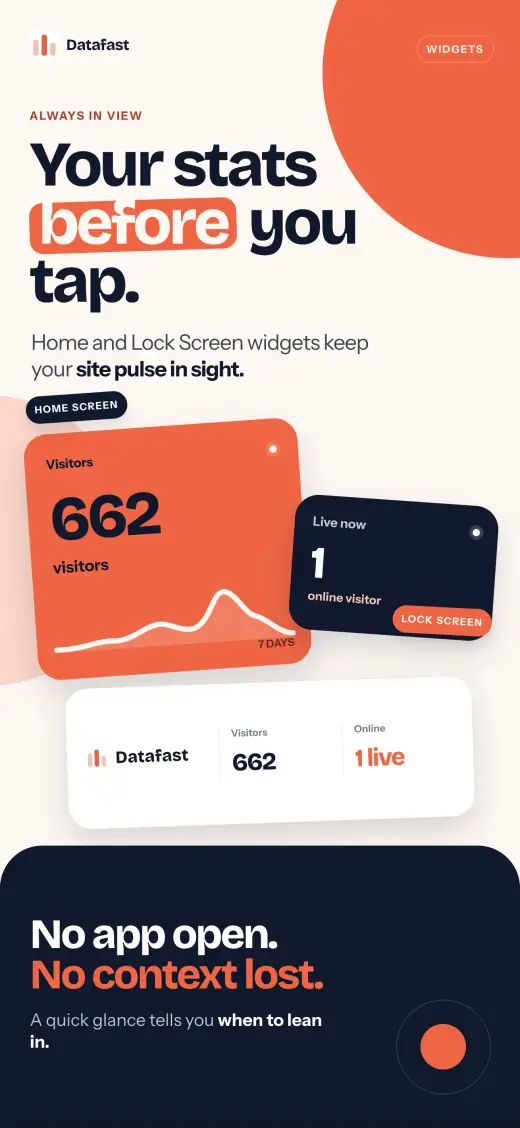
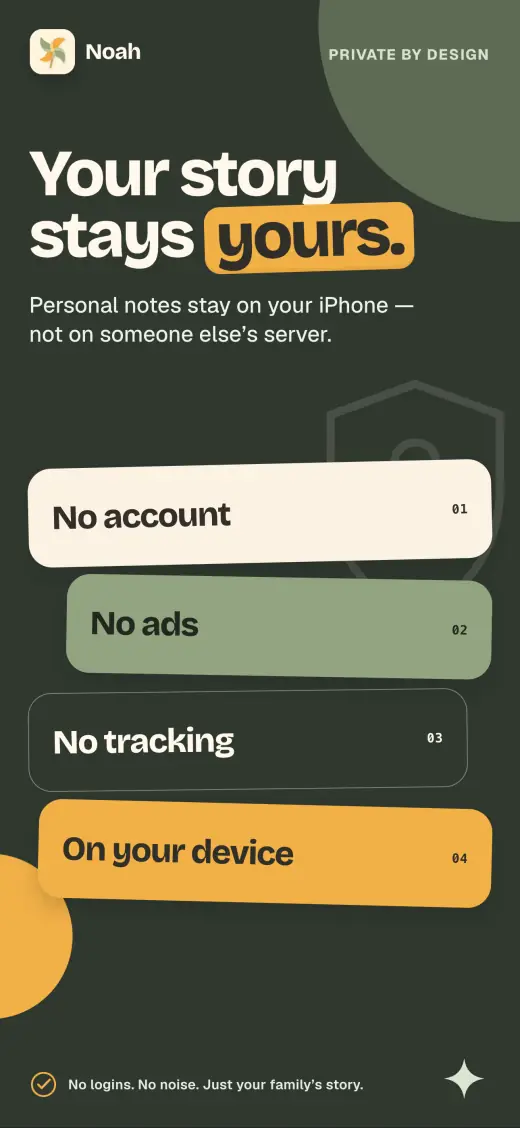
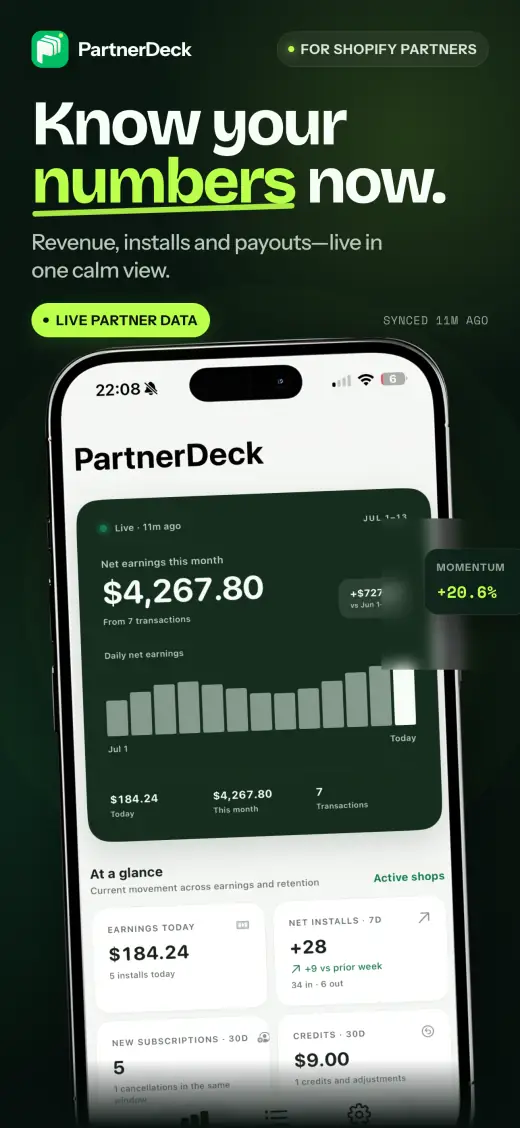
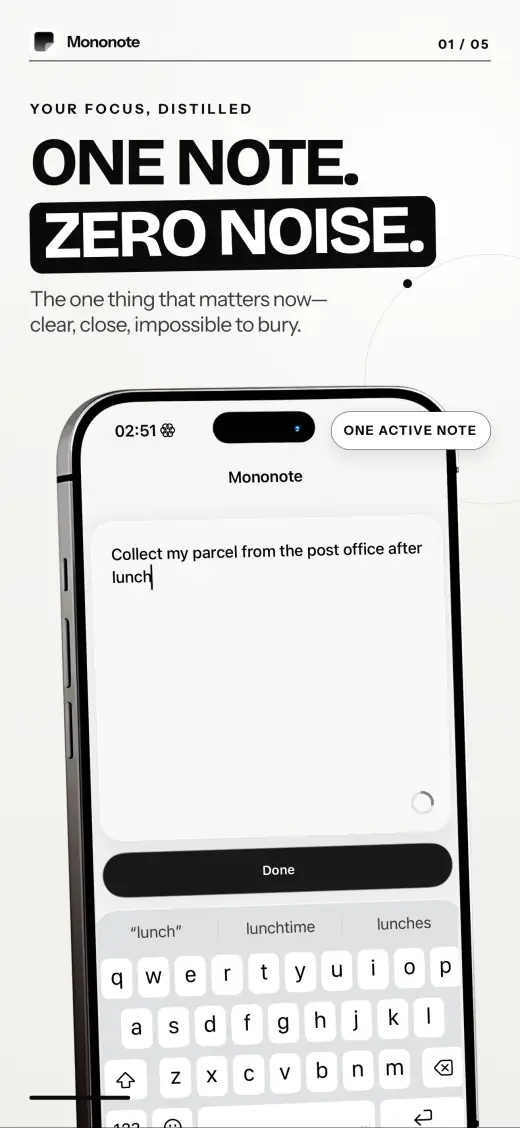
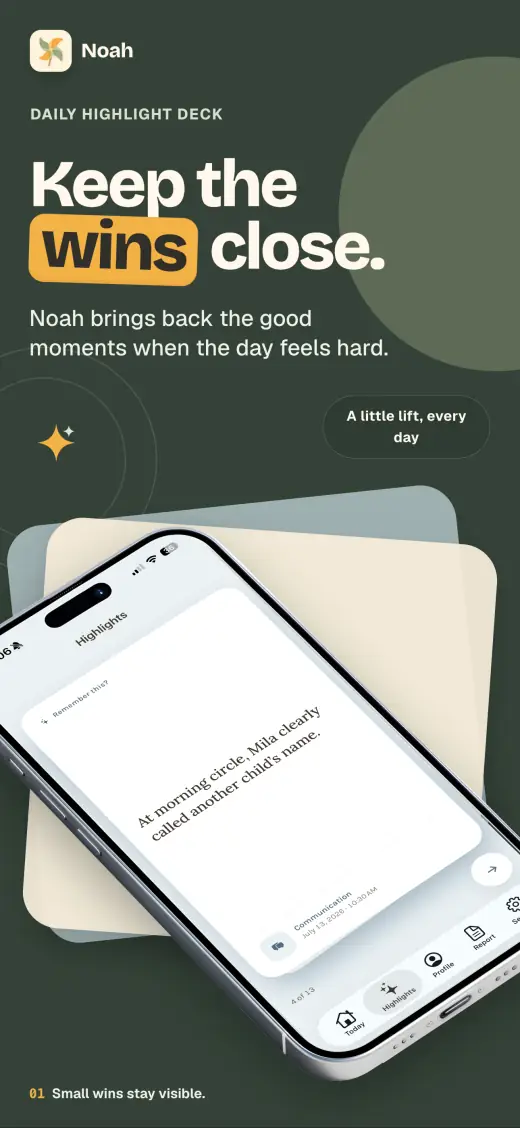
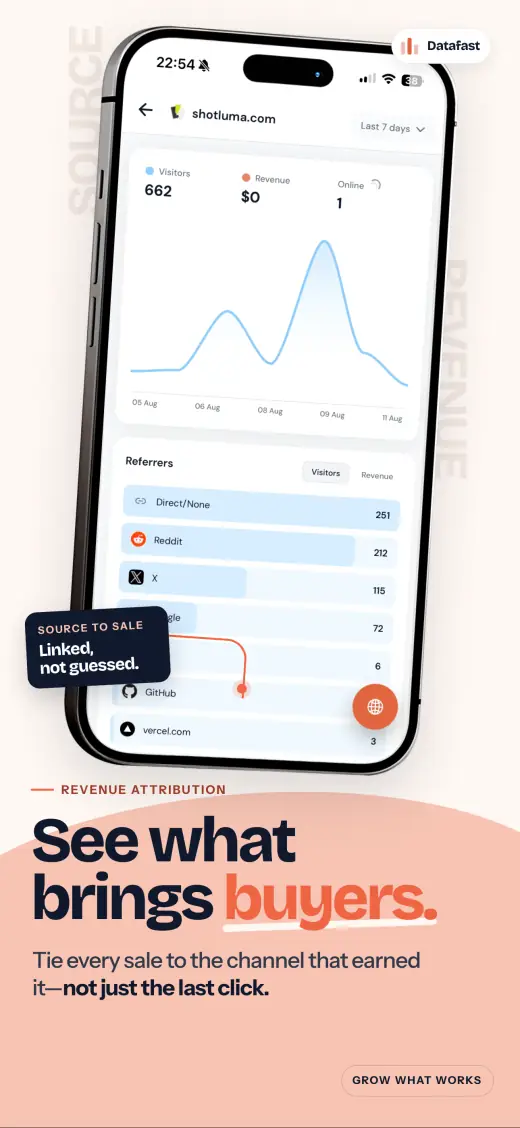
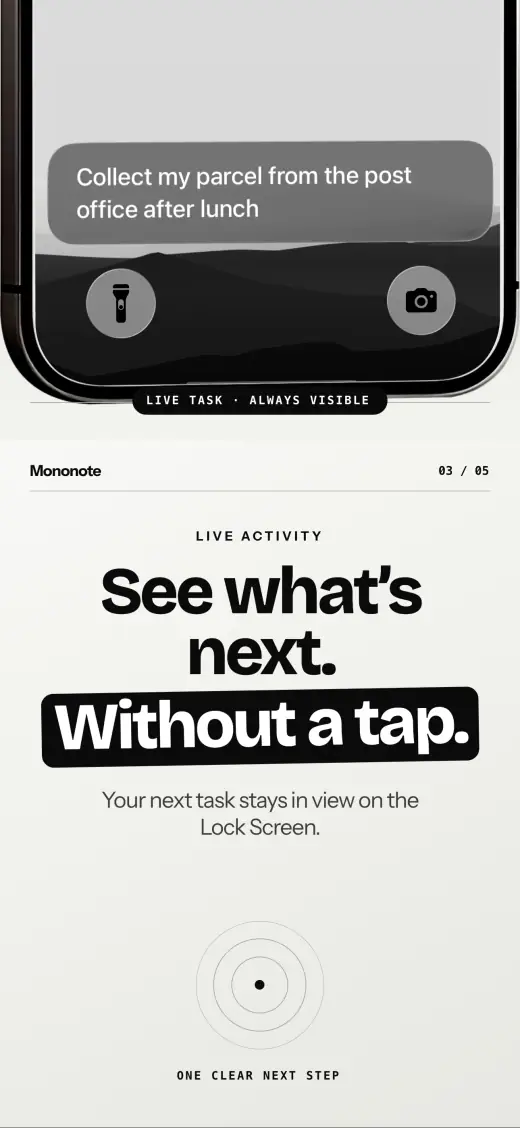
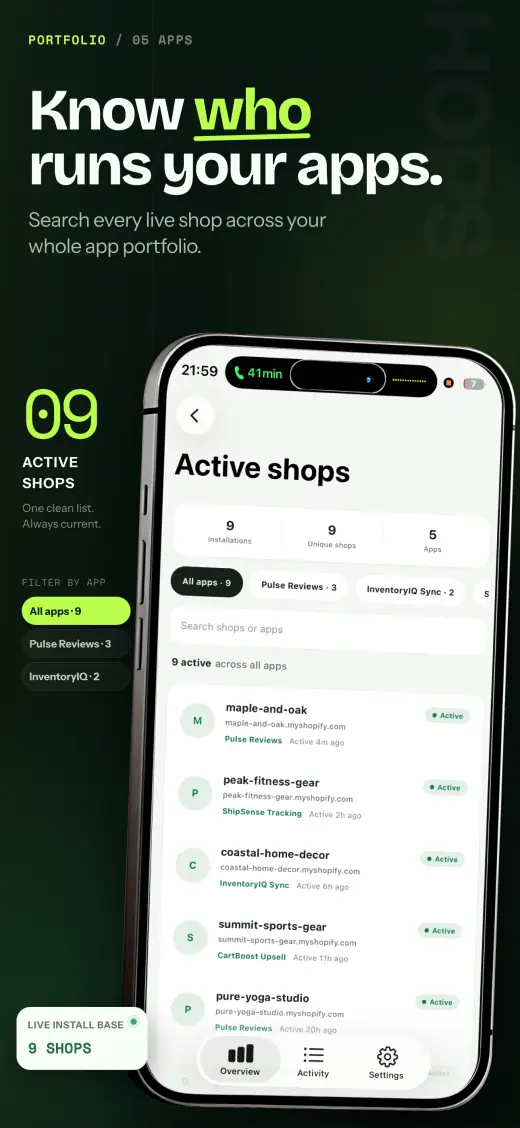
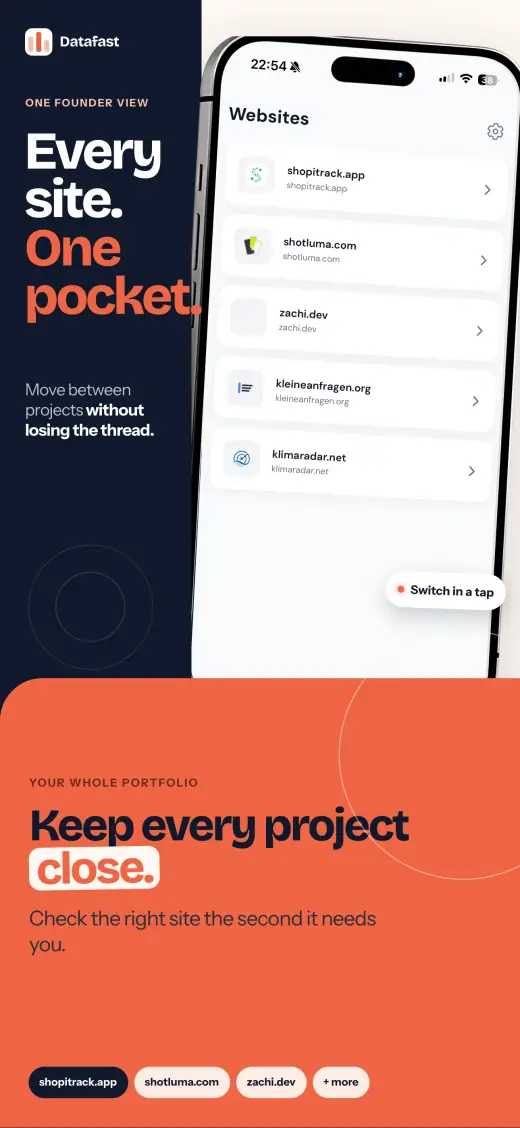
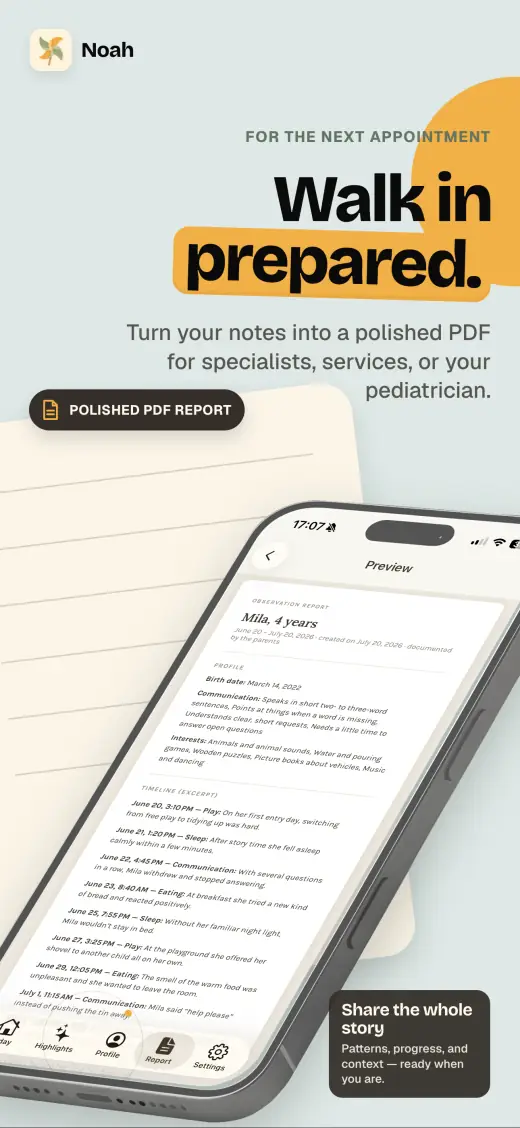
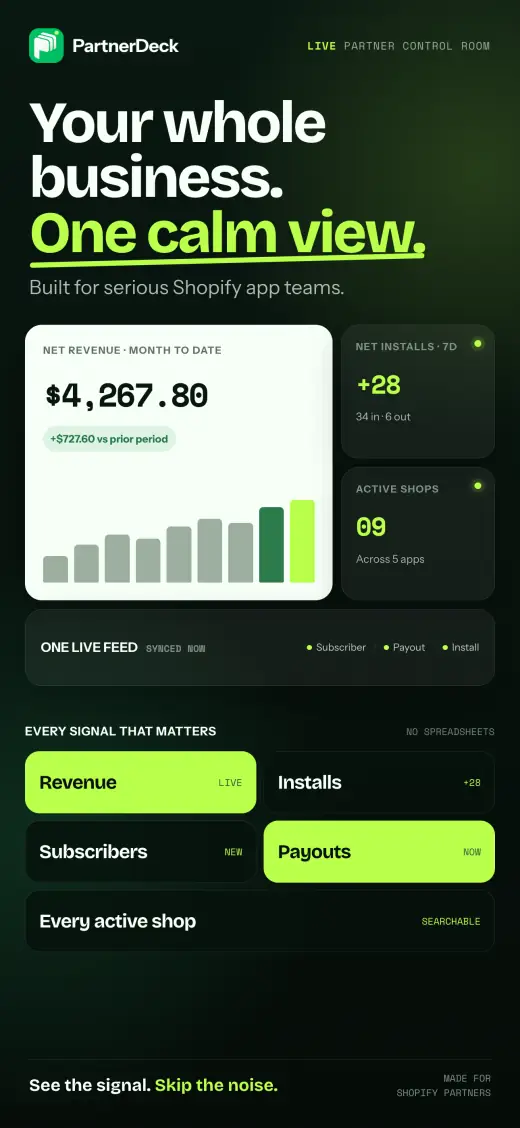
Four real apps, twenty screens, four completely different design systems. Every screen left the editor as live layers and exported straight to 1290 × 2796 — no stock mockup pack, no external design tool.
Product
Generation is the starting point, not the deliverable. Everything the AI produces lands on the canvas as real, selectable layers.
The agent operates the same canvas you do — creating text, shapes, gradients and frames through the editor API instead of rendering a flat bitmap.
Typography, colour, spacing, backgrounds and imagery remain adjustable after generation. Change one word or rebuild a whole screen.
Drop raw PNG, JPG or WebP captures straight into flat or perspective device frames with correct screen geometry and corner masking.
Projects live in your browser’s IndexedDB. Nothing is uploaded to a Shotluma server, because there is no Shotluma server to upload to.
Export the whole set as 1290 × 2796 or 1242 × 2688 PNGs, packaged in a single ZIP and ready for App Store Connect.
Google, Qwen, OpenAI, Anthropic and xAI run directly from the browser with your own key, stored locally and sent only to the provider you pick.
Workflow
The whole run happens in one browser tab. No handoff, no export queue, no round trip to a designer.
A few sentences about what the app does and who it is for. That context drives the copy, hierarchy and visual direction of the set.
Drag in raw captures. Shotluma places them inside device frames with the correct perspective and rounded-corner masking.
The AI lays out a consistent multi-screen story across portrait artboards. Select anything it made and adjust it directly on the canvas.
Download every artboard at App Store resolution in one archive, then upload it to App Store Connect.
Pricing
Shotluma is MIT-licensed open source. There is no paid tier, no seat count and no usage cap to grow into.
€0/ forever
The complete editor, every export size, every future release.
No signup step. The editor opens straight into a new project.
Open source
The entire editor is public under the MIT license. Audit how your screenshots and keys are handled, run it locally, or build your own version on top of it.
git clone https://github.com/realZachi/shotluma.gitFAQ
Anything else, open an issue on GitHub.
Shotluma is a free, open-source, AI-powered App Store screenshot generator. You describe your app, add raw screenshots, and get a store-ready set in which every text, gradient, shape and device frame stays editable — not a flattened image.
Yes. Shotluma is MIT licensed and costs €0 forever. There is no paid tier, no freemium gate and no usage limit. AI generation uses your own provider key, so those runs are billed by your provider at their rates.
No. Open the editor and start working. There is no signup, no email verification and no sales step.
Projects, screenshots, prompts and API keys stay in your browser — IndexedDB for projects, local storage for keys. They are never sent to a Shotluma server or to this site’s analytics.
Google, Qwen, OpenAI, Anthropic and xAI work directly in the browser with bring-your-own keys. Moonshot is available in local development through a CORS proxy. Each key is sent only to the provider handling that request.
1290 × 2796 and 1242 × 2688 PNG App Store screenshots, downloaded together as a single ZIP archive.
Yes. The MIT license permits commercial use, modification and redistribution. Exported screenshots are yours with no attribution requirement.
Yes. Clone the repository, run it locally with Bun, and change whatever you need. Pull requests are welcome and there is no contributor licence agreement to sign.
Open the editor, describe your app, and export a store-ready set before your coffee gets cold.
Free forever · MIT licensed · No account required